


Engineering Design Automation Services
That Accelerate Innovation
Engineering design automation transforms manual CAD workflows into intelligent, rules-based systems that deliver faster, error-free, and scalable engineering outputs.
Where precision meets
intelligent automation.
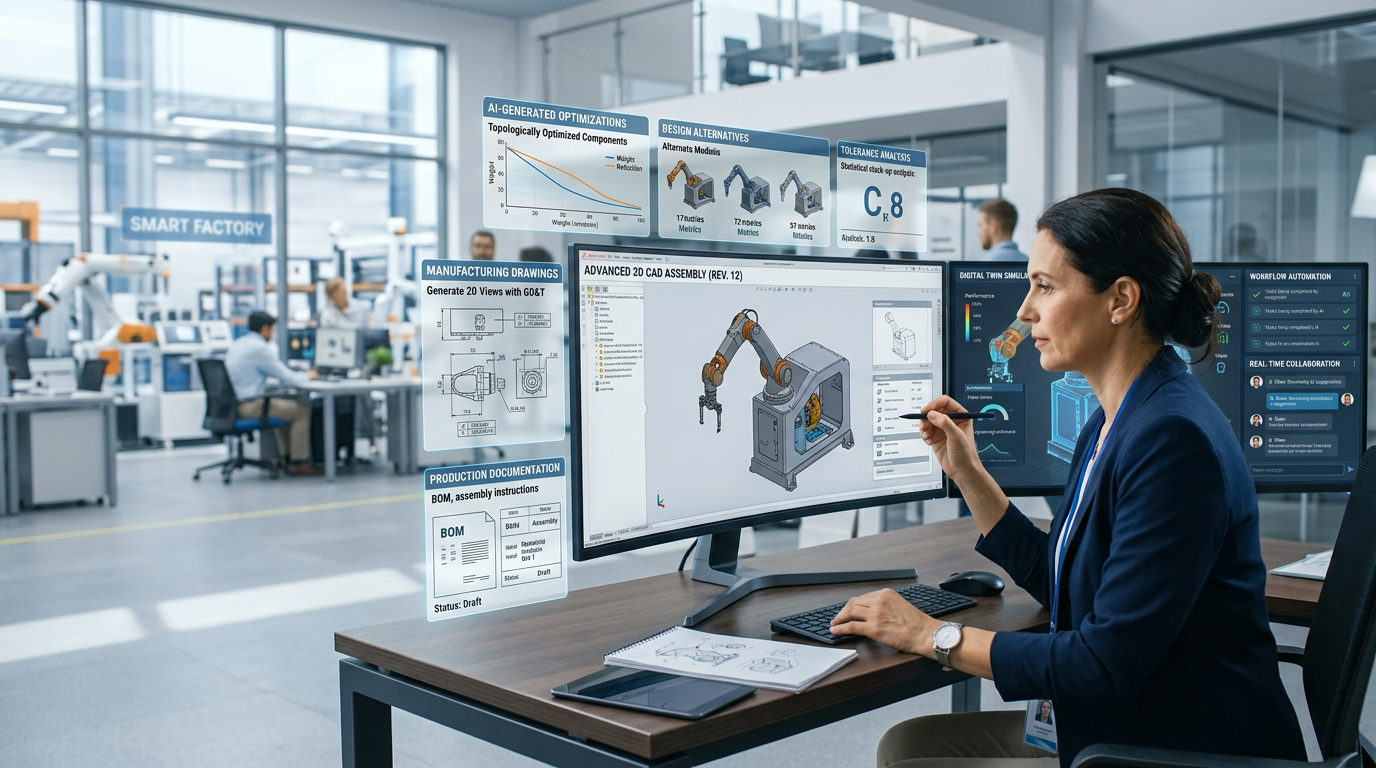
Stop burning engineering hours on repetitive CAD tasks. Our platform automates design generation, BOM creation, and drawing outputs — so your team builds smarter, not slower.
One platform. Every engineering automation need.
From parametric CAD automation to ERP integration — built for manufacturers who can't afford slowdowns.

DriveWorks Implementation
DriveWorks Implementation automates design workflows with rule-based configurators for faster, accurate, and scalable product generation.
CAD Design Automation
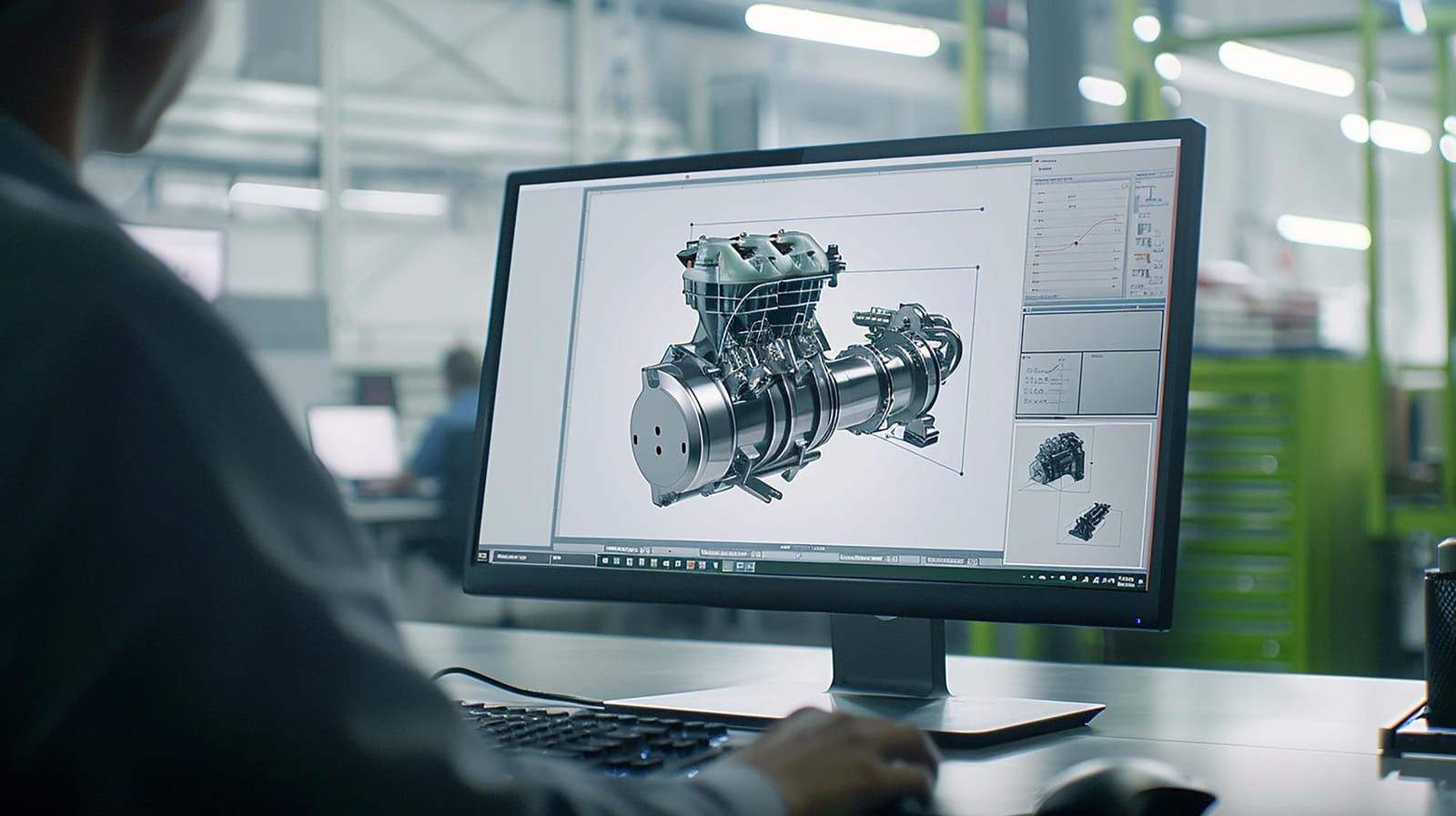
Auto-generate parametric models, assemblies & drawings from product rules — zero manual rebuilding. This eliminates the manual rebuild step for every new order, reducing both design time and the design errors that come with repetitive manual modeling.

Product Configuration Automation
Product Configuration Automation enables instant generation of customized product designs through rule-based inputs, reducing manual effort and ensuring accuracy. Sales teams and customers can configure valid product variants without engineering involvement, and every configuration integrates with your existing ERP or PLM system.
DriveWorks Configurator Services
DriveWorks Configurator Services help build intelligent configurators that generate accurate, customized designs instantly based on predefined rules and inputs. Configurators can run through DriveWorks Live in a browser, so customers and dealers can configure products without needing a SOLIDWORKS license.

BOM Automation & Validation
BOM Automation & Validation streamlines the creation of accurate Bill of Materials with automated checks to eliminate errors and ensure consistency across designs. Because the BOM generates directly from CAD data instead of manual spreadsheet entry, it stays synchronized with the design and catches errors like wrong units or missed revisions before they reach manufacturing.

Engineering Workflow Automation
Engineering Workflow Automation streamlines end-to-end engineering processes by automating repetitive tasks, improving efficiency, and ensuring seamless system integration. This connects design, quoting, and manufacturing systems so a change in one place doesn't require manual updates everywhere else.
What makes this company different
Not just automation. Your engineering team's unfair advantage.
Generic tools don't understand manufacturing. We do.
01
CAD-native expertise
We build engineering design automation directly inside SOLIDWORKS, Autodesk Inventor, and Solid Edge, not through a bolt-on middleware layer. That means your rules engine reads your native CAD data directly, so there's no translation layer to break when a model changes.
02
Configurable, not cookie-cutter
Every configurator is built around your specific product rules and catalog, not a generic template. We map your actual configuration logic, including edge cases and product variants, before writing a single rule.
03
Error elimination by design
Rules-based CAD automation removes the manual re-modeling step where most design and BOM errors originate. Instead of catching a mistake after a part ships, the rule set validates every configuration before a drawing or BOM is even generated.
04
Speed from day one
Automated CAD configurators generate quotes and drawings in minutes instead of days, so most clients see ROI within weeks of go-live, not fiscal quarters.
How we work
01
Discover
We audit your current CAD and quoting workflow, identify the highest-cost manual bottlenecks, and map which product lines are the best fit for engineering design automation.
02
Architect
We design a custom automation blueprint covering the rules engine, ERP/PLM integrations, and configurator UI, built specifically around your product structure rather than a generic template.
03
Build & Test
We build the configurator and validate it against your real product data and edge cases, not sample data. Your engineers review and test alongside us throughout, so the rules match how your team actually works.
04
Deploy & Support
We deploy the configurator, train your team on the rules engine, and stay engaged post-launch to adjust rules as your product line evolves.
Industries we serve with design automation
From industrial machinery to aerospace and defense — we automate design workflows tailored to each sector's engineering requirements, helping manufacturers reduce manual effort and scale output.
Automate complex machinery design processes to improve efficiency and reduce manual effort. Ensure accurate, scalable, and faster engineering outputs.
Automate nesting, cut-list generation, and drawing outputs for sheet metal and structural parts, reducing manual rework across production runs.
Generate ductwork, piping, and equipment layouts automatically from project parameters, cutting design-to-fabrication time.
Configure custom furniture and modular product variants instantly from customer specs, without manual CAD rebuilds.
Automate connection design, detailing, and BOM output for structural steel projects to speed up fabrication handoff.
Rule-based configuration of packaging machinery designs tailored to line speed, product dimensions, and material specs.
Automate parametric part and assembly generation for automotive suppliers managing high part variation.
Streamline enclosure and bracket design automation aligned to PCB and electronics packaging constraints.
Accelerate compliant design iteration for medical device components with rule-driven CAD automation.
Automate design and documentation workflows that meet aerospace tolerancing and traceability requirements.
What Our Clients Say

“We rolled out a unified analytics platform on a practical timeline. Production planners finally see the same numbers as finance, and weekly review meetings are shorter.”
Manufacturing operations leader
United States
“The machine learning models DevWorks built for us reduced unplanned downtime on critical lines. The team delivered clear documentation and stayed involved through the first production release.”
Engineering leader
United States
“They helped us move off spreadsheets without breaking existing workflows. Our engineers adopted the dashboards faster than any prior IT project we have run.”
Data and operations leader
United States
“Predictive maintenance alerts now reach supervisors before equipment fails, so the plant can act on issues before they become stoppages.”
Plant operations leader
United States
“The data pipeline work was thorough and practical. We get near real time visibility into inventory and supplier performance without adding manual reporting steps.”
IT leader
United States
Frequently Asked Questions
Rule-based software that auto-generates CAD models, drawings, and BOMs from product rules, so there's no manual redesign per order.
Solo and Pro need SOLIDWORKS on the user machine or server. DriveWorks Live lets sales and customers configure in a browser with no SOLIDWORKS license needed on their end.
Yes, we develop custom product configurators that use your engineering rules to generate product configurations and related outputs such as CAD models, drawings, BOMs, and product data.
Mostly manual CAD-to-spreadsheet transfer: miscounts, wrong units, missed revisions. Automation generates the BOM straight from CAD data, so it stays in sync.
Yes, the same validated rule set generates every variant, so errors get caught once at the rule level instead of repeatedly during manual rework.
Yes, configured designs, BOMs, and order data flow directly into your existing ERP/PLM, no double entry.